Scan this page
Images, canvases, videos, CSS backgrounds, SVGs and iframes: a badge appears under every code found.
 QRLens
Can't scan a QR code shown on your own screen with a phone? QRLens reads it right in Chrome, tells you what it contains and checks the link before you open it.
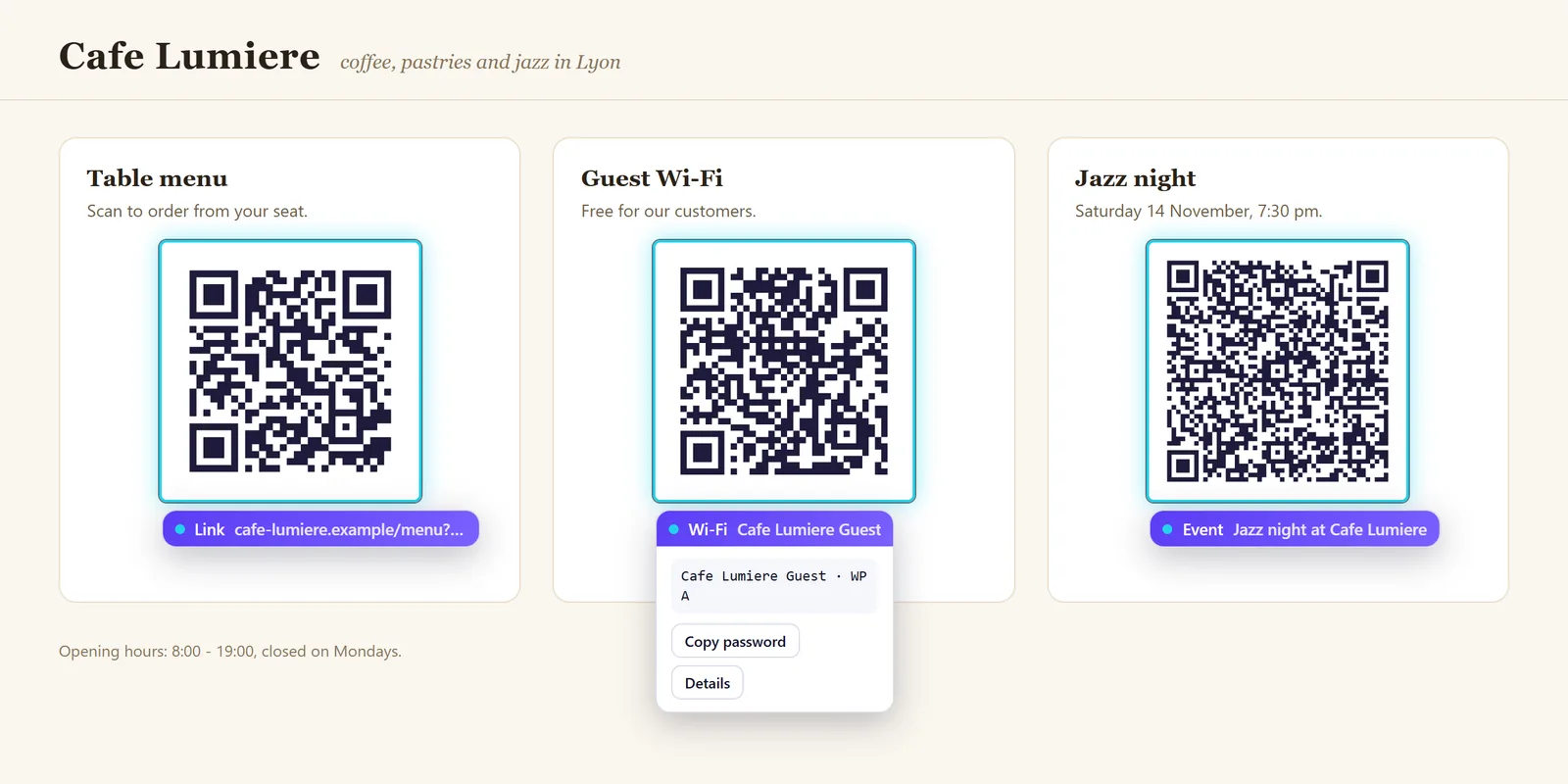
Images, canvases, videos, CSS backgrounds, SVGs and iframes: a badge appears under every code found.
Drag a rectangle over any visible code, even inside a video or a PDF. Shortcut Alt+Shift+R.
Drop one or several images, or paste with Ctrl+V. Right-click an image → “Read QR code”.
Link, Wi-Fi, contact (.vcf), email, phone, SMS, location, event (.ics), crypto address, product barcode.
EAN-13, UPC-A, EAN-8 and Code 128 read with checksum verification, even without BarcodeDetector.
Rotated, blurred, noisy, low-contrast, inverted or tiny codes: each case is tested.
A QR code can hide a booby-trapped address. QRLens analyses the URL locally, with no external service, and warns you before the click.
Structural checks only: a help, not a guarantee.
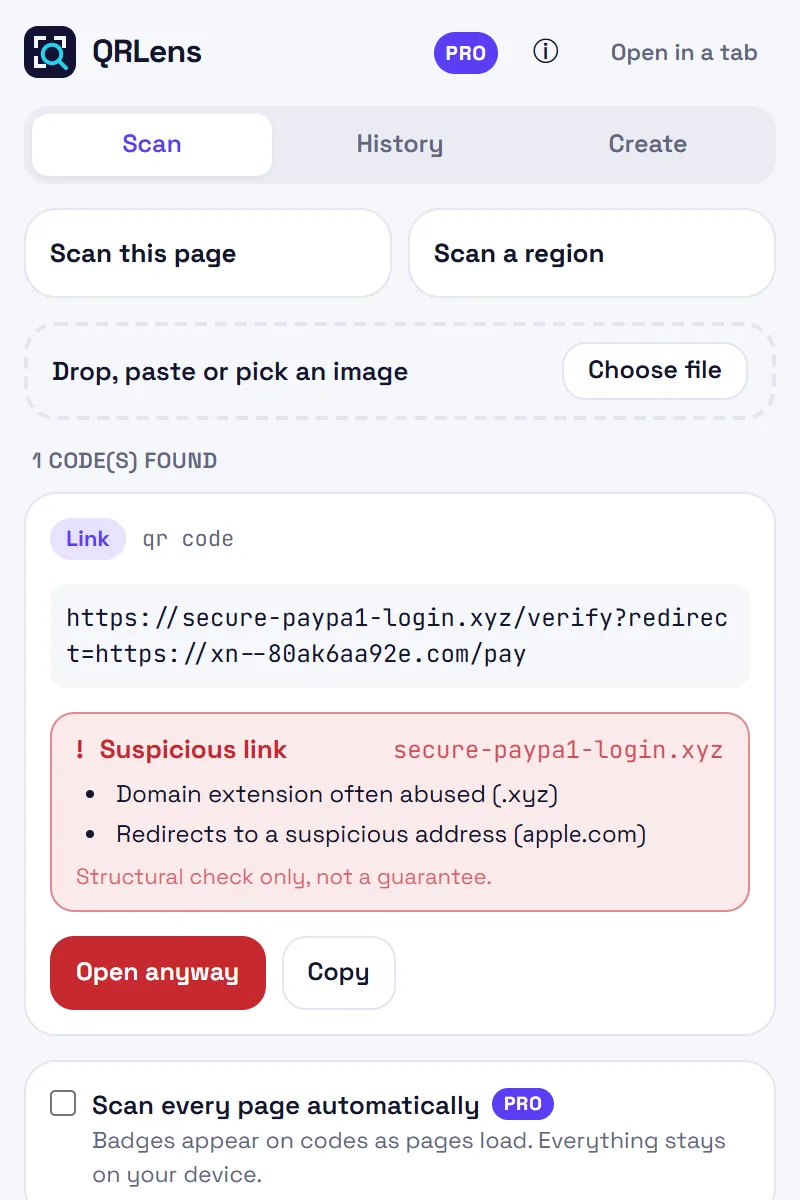
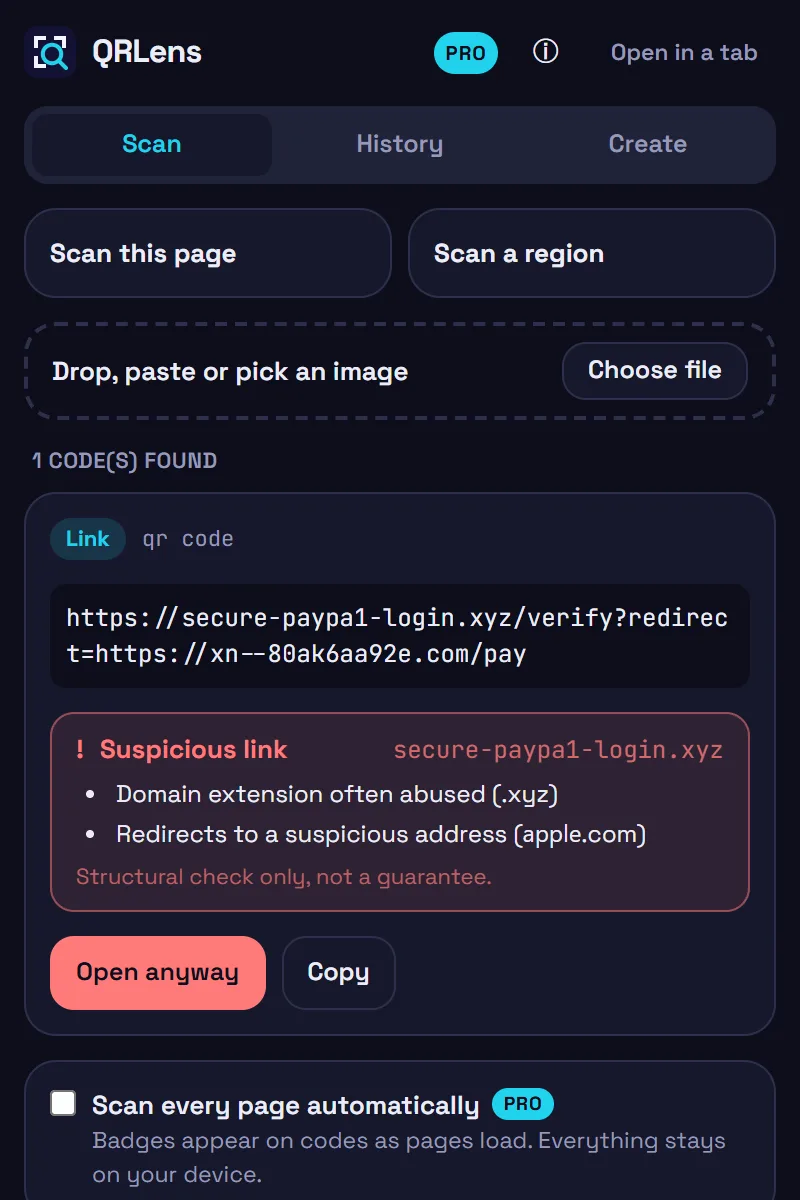
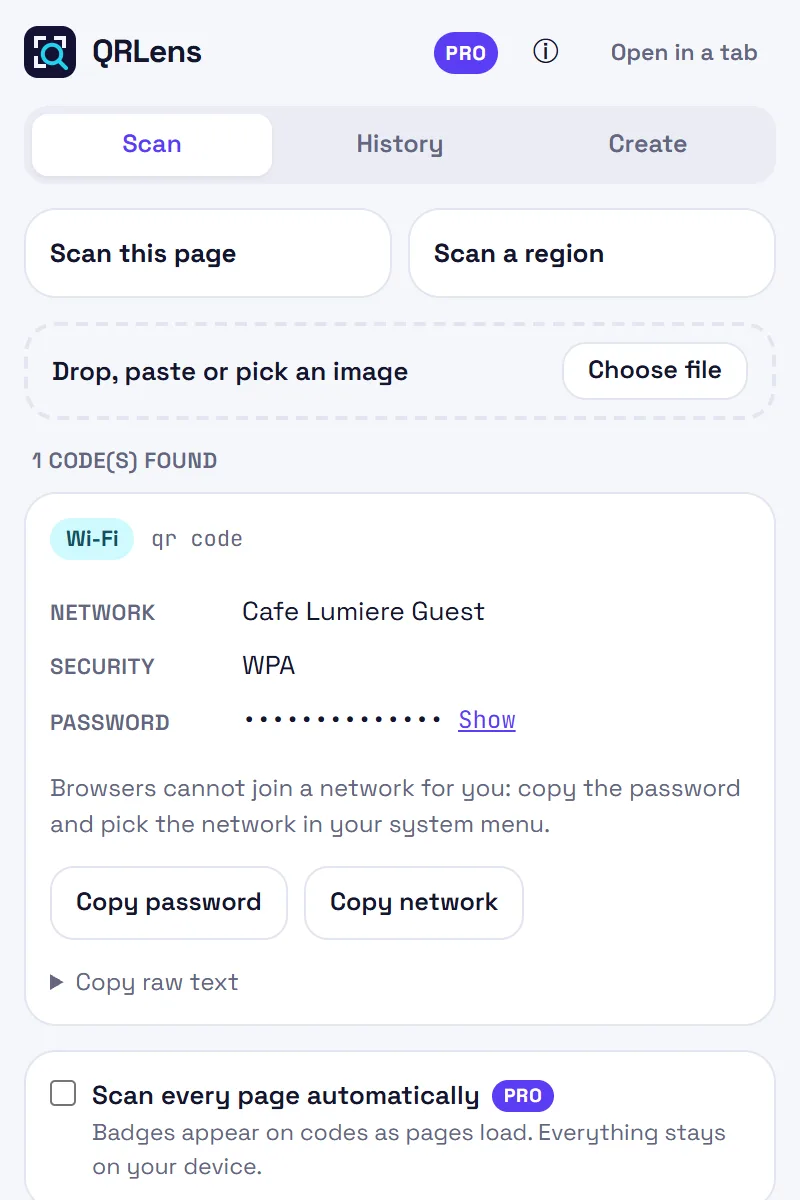
Each content type gets its own card with the right actions. A Wi-Fi password is never printed on the page: it stays hidden until you ask.
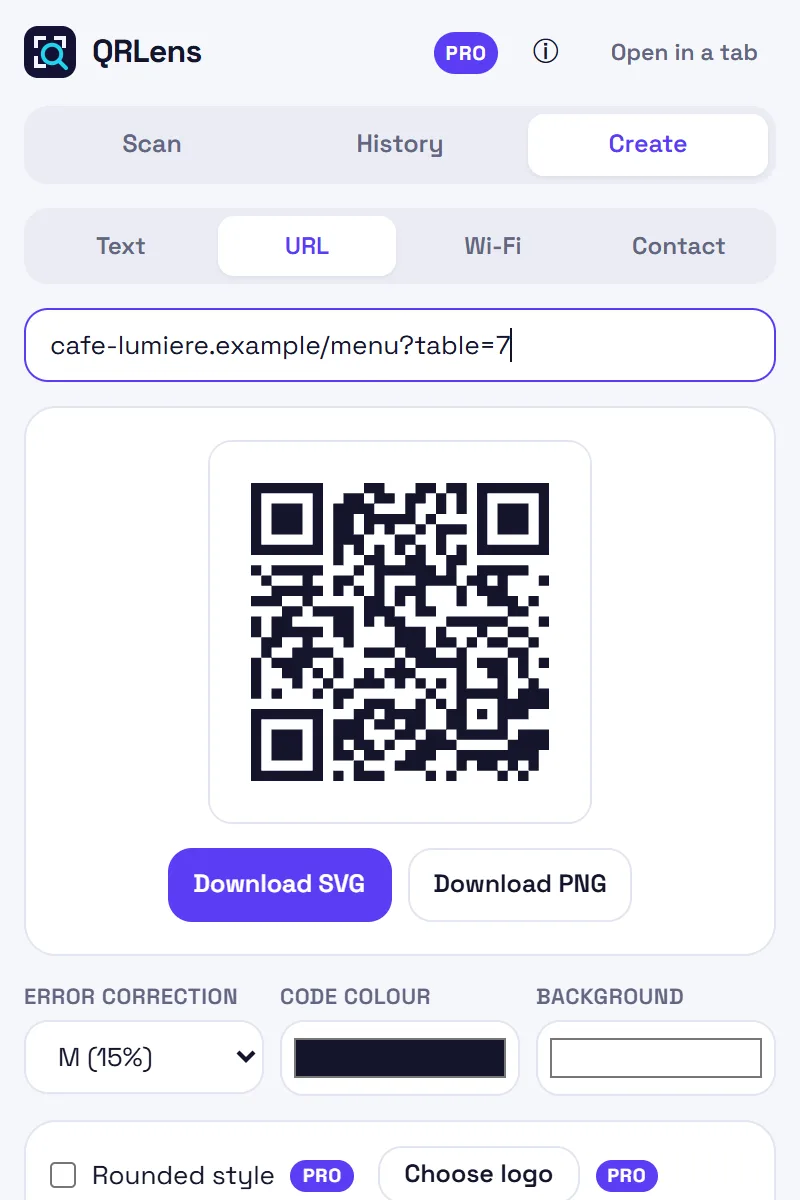
Text, URL, Wi-Fi or contact. SVG and PNG export, L/M/Q/H error correction, custom colours with a contrast warning.
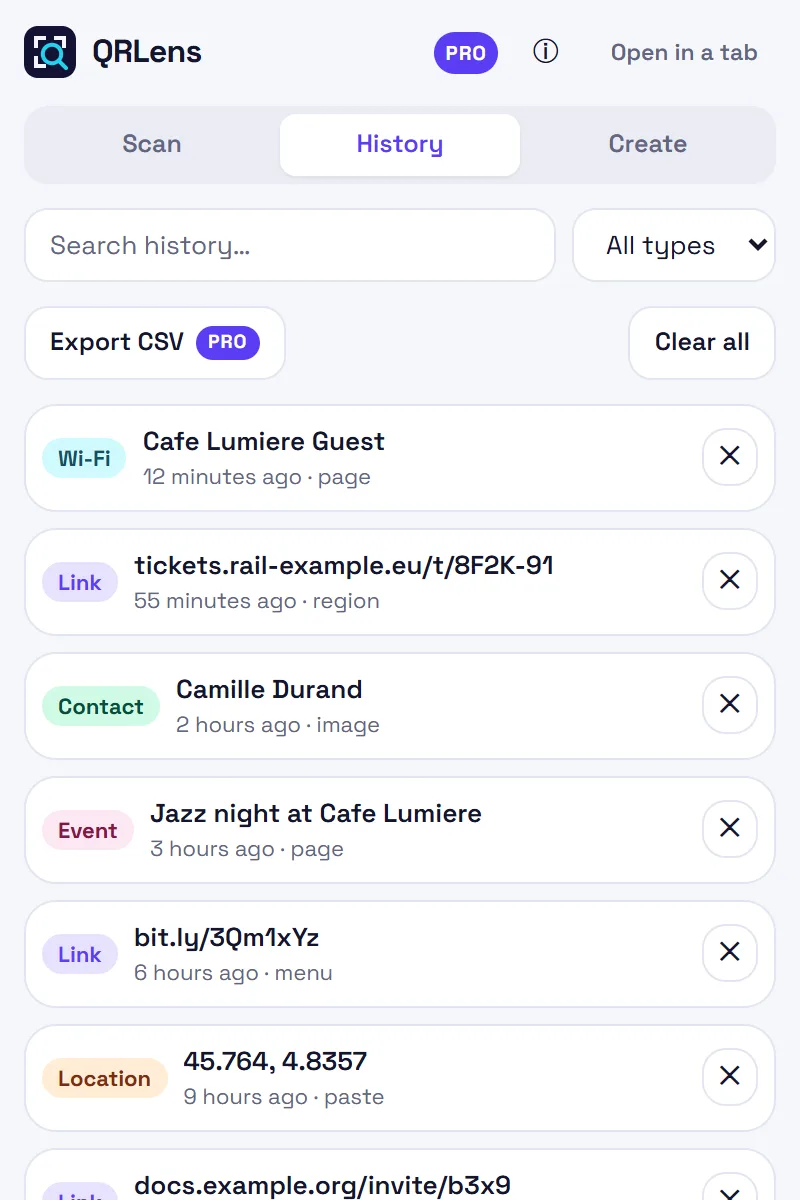
Find your scans by text or type. Everything stays in your browser and you can wipe it at any time.
7-day Pro trial, no credit card.
Images, screenshots and decoded content are processed in your browser. A region scan screenshot is only used to crop and decode; it is neither stored nor sent.
History and settings live in chrome.storage.local on your device. Uninstalling removes everything.
Only cross-origin images you ask to read, and Pro licence validation (Lemon Squeezy), touch the network. No telemetry, no ads.